Connect anatomy, imaging and interactive exploration with 3D Organon. Axes Medverse helps institutions consider the platform as part of a coordinated anatomy lab.
Cross-platformScreen-based and headset experiences
Institution-ledPlan around your curriculum
01 / UNDERSTAND THE SOLUTION
Purpose before technology.
3D Organon is a multimodal educational platform spanning interactive anatomy, medical imaging, clinical correlations and assessment tools. It offers routes for screen-based and immersive learning, allowing an institution to plan different teaching formats around its academic objectives. The right combination depends on the selected product edition, device support and licensed modules.
A good fit for: Medical, dental, nursing and allied-health institutions exploring a connected digital anatomy lab with screen-based and immersive learning.
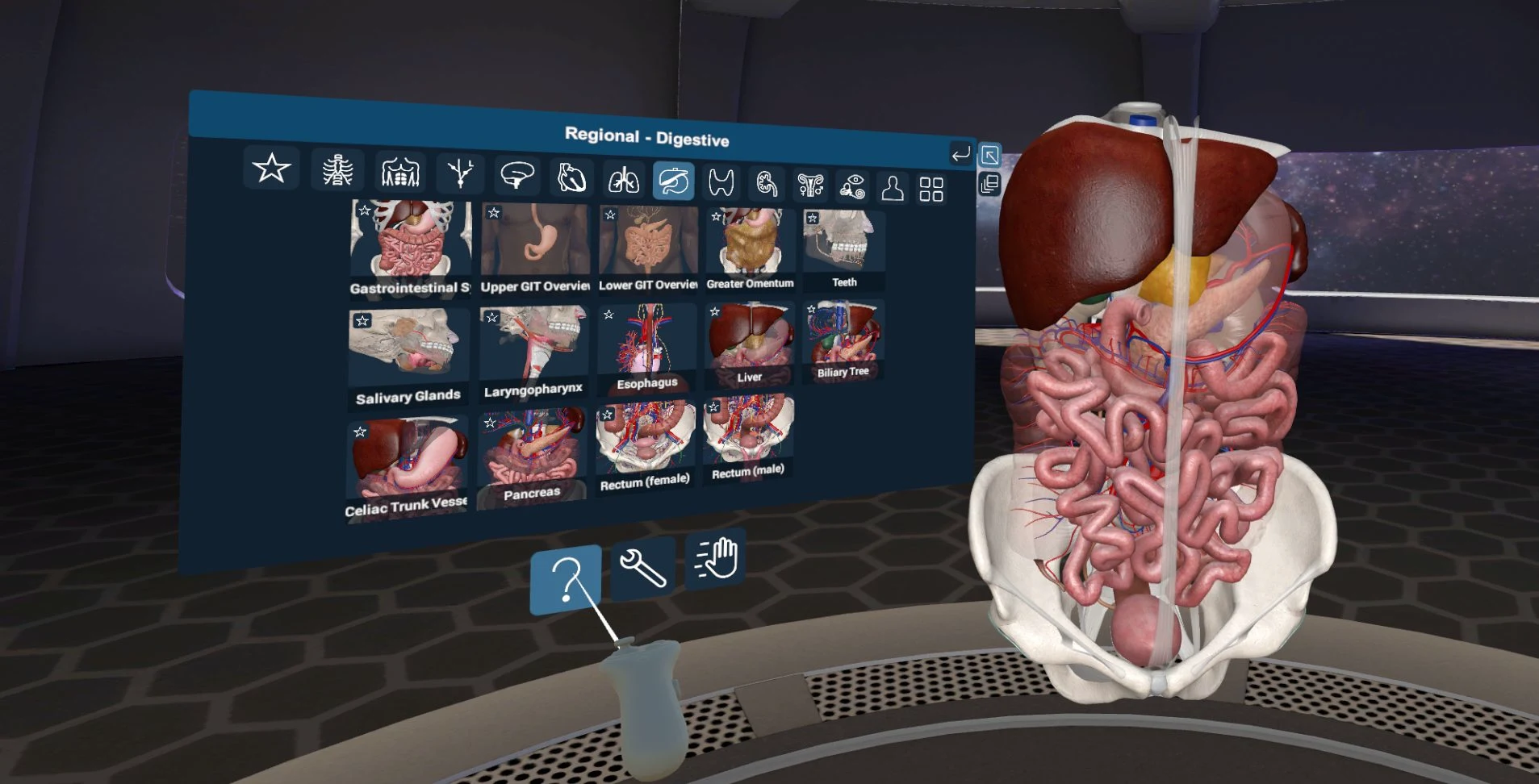
Digestive anatomy in the 3D Organon immersive environment
EXPLORE THE POSSIBILITIES
One concept. Multiple perspectives.
Start with a classroom explanation, move into interactive anatomy and bring students back to a shared question. A lab may combine a teaching display with individual or small-group stations. Axes Medverse can discuss a configuration around learner numbers, space and academic priorities.
CHOOSE THE LEARNING FORMAT
One anatomy lab. Connected ways to learn.
Pathway
Documented capabilities
Planning focus
PC, mobile & tablet
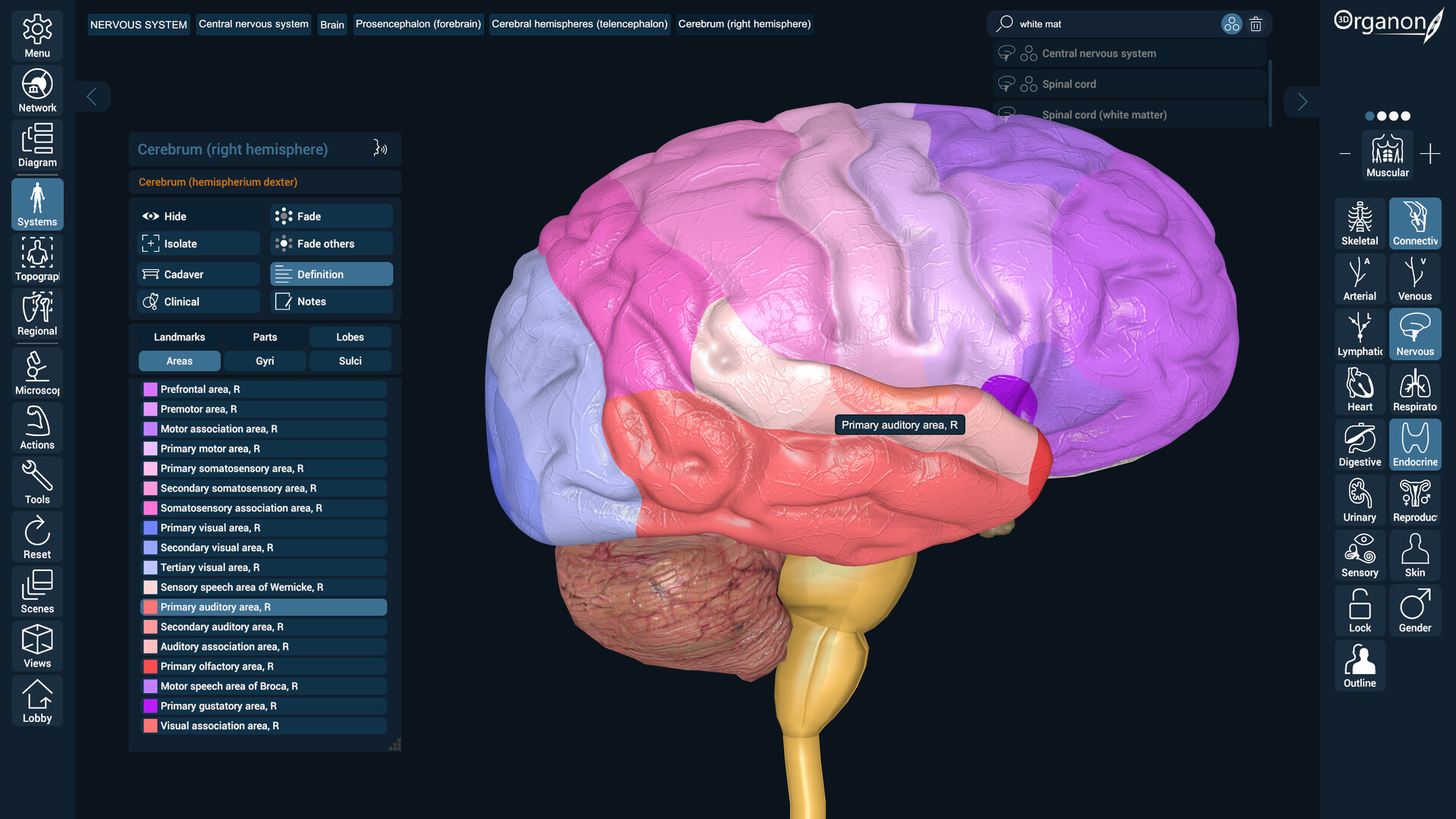
The official edition describes more than 17,000 anatomical structures across 15+ body systems, microscopic models and over 550 muscle and organ animations. Users can rotate, zoom, dissect, save views and work with anatomical descriptions.
Shared teaching displays, study stations, device specification and licensed access.
3D Organon XR
Immersive anatomical exploration for VR headsets, with medical imaging, ultrasound, assessment and collaborative Medverse experiences described across the platform’s modules.
Supported headsets, usable space, faculty controls, orientation and accessible alternatives.
3D Organon Web
Browser-based anatomy with multi-window workspaces, 3D cadaveric specimens, targeted dissection and annotation. Institutional options include single sign-on, LMS integration and Lesson Studio for recording and sequencing narrated lessons.
Institutional accounts, browser and network performance, learning materials and integration scope.
Explore anatomical structures in three dimensions rather than relying on a single fixed viewpoint. An instructor can use spatial questions to guide attention to relationships that students may find difficult to interpret from flat images.
02
Organ mapping & body actions
The official platform describes organ mapping and body-action content alongside anatomy. These can connect structural study with movement and regional relationships when included in the chosen package.
03
Medical imaging & cadaveric images
Imaging and cadaveric content offer complementary perspectives on the body. Use them alongside anatomical models to discuss how representations differ and where each can support learning.
04
Clinical correlations
Contextual material can help connect anatomical study to clinical relevance. Faculty should choose examples appropriate to the learners’ level and make the intended learning outcome explicit.
05
Formative assessment
Quiz and assessment modules can support checks during learning. A useful deployment combines exploration with questions and feedback rather than treating software access alone as evidence of understanding.
06
Multiple subject modules
The official platform lists dental anatomy, microscopic anatomy, ultrasound simulation and other modules. Availability varies by product and licence; ask for a demonstration of the exact teaching content you require.
07
XR & shared learning
Immersive devices offer a different sense of scale and presence. Plan supervision, space, onboarding and alternatives for learners who prefer or need a screen-based experience.
08
Device & licence planning
3D Organon supports desktop, mobile, tablet, touchscreen and VR experiences, depending on the edition. Confirm the exact operating systems, headset models, licence model and institutional deployment requirements before purchase.
03 / FROM THE PRODUCT TO THE LESSON
A more considered learning workflow.
01
Choose your pathway
Define whether the priority is classroom demonstration, individual study, XR exploration or a combination. Map the required modules to the curriculum.
02
Design a guided activity
Give learners a region, relationship or comparison to investigate. Provide enough device orientation to keep the focus on anatomy rather than controls.
03
Check understanding
Use explanation, identification and formative questions to assess the intended concept. Review what the software adds to your existing anatomy teaching.
04 / LET’S GET THE DETAILS RIGHT
Plan the whole experience.
Share your curriculum, learner numbers, room layout, intended teaching activities and existing equipment. We can then discuss the appropriate solution and the details that need to be confirmed.
Required model, software edition and modules
Device compatibility, space and installation needs
Licences, consumables and replacement components
Demonstration, training, delivery and support scope
Compare structures by system and region, isolate layers and prepare an instructor-led demonstration. Use guided prompts to connect views with the curriculum.
Immersive anatomy
Evaluate spatial interaction, device support and how multiple learners share an XR station. Plan a screen-based equivalent when headsets are unsuitable.
Imaging, ultrasound and assessment
Review imaging views, ultrasound simulation and assessment tools with the provider. Confirm which modules are available in the proposed platform and licence.
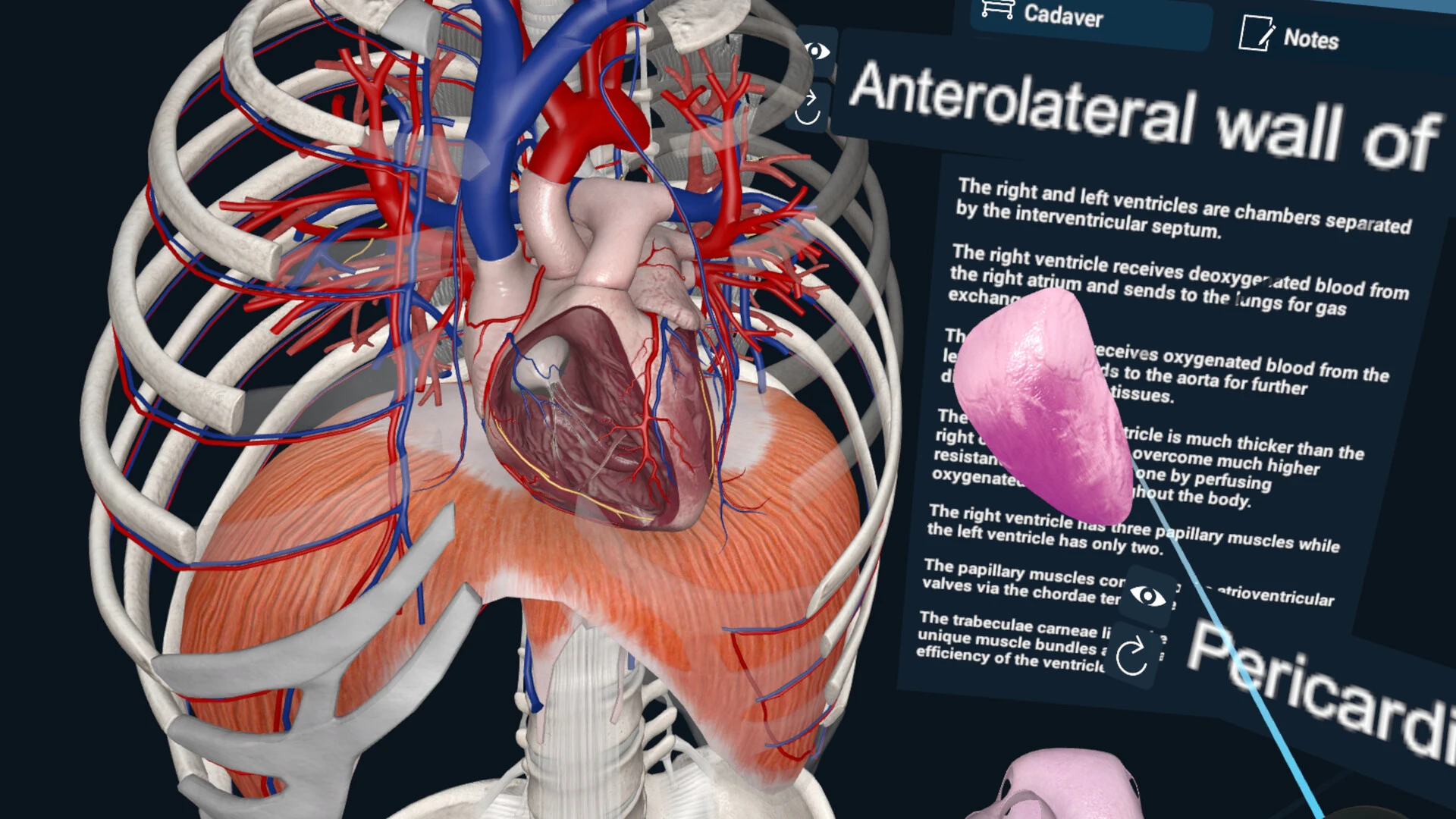
Examine the heart in relation to the ribs, great vessels and diaphragm.
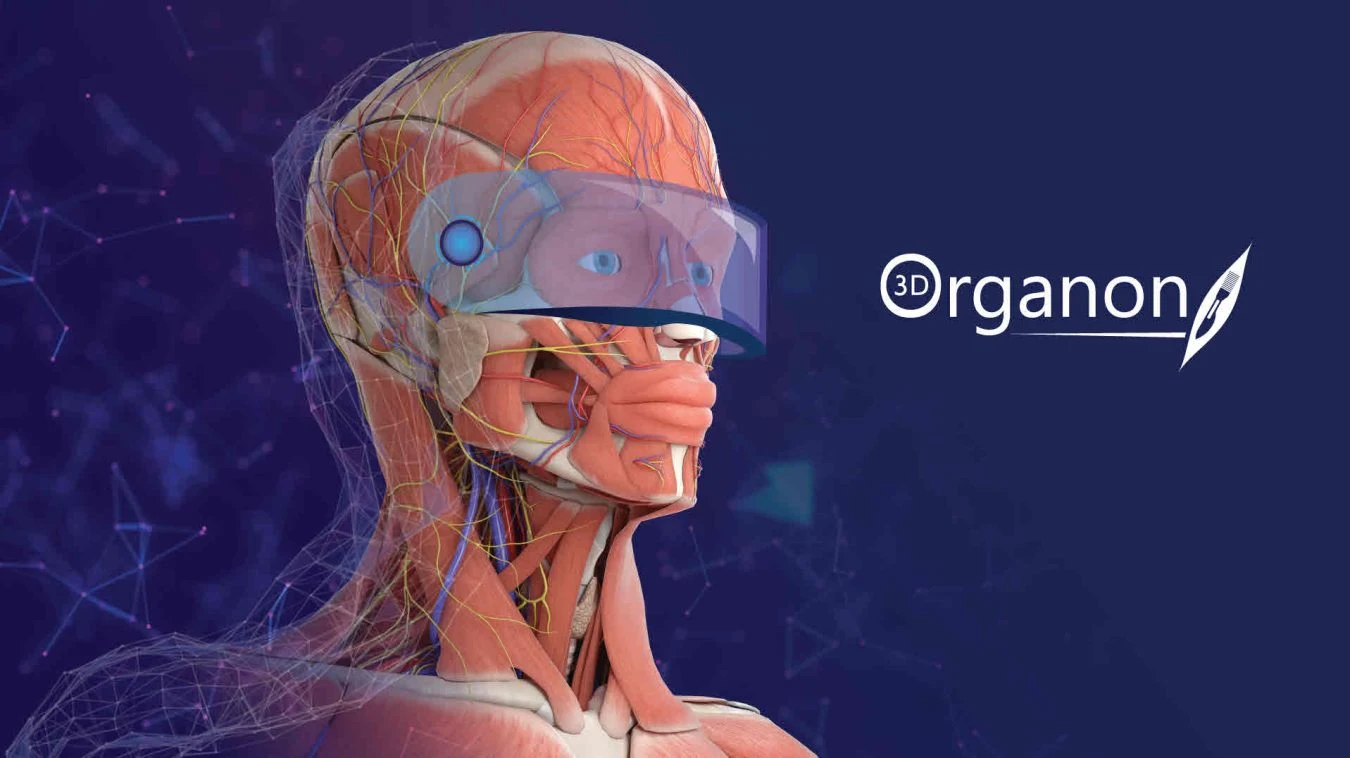
3D Organon anatomy model with an XR visor
Anatomy in XR
Use an immersive workspace to explore anatomical structures from different viewpoints.
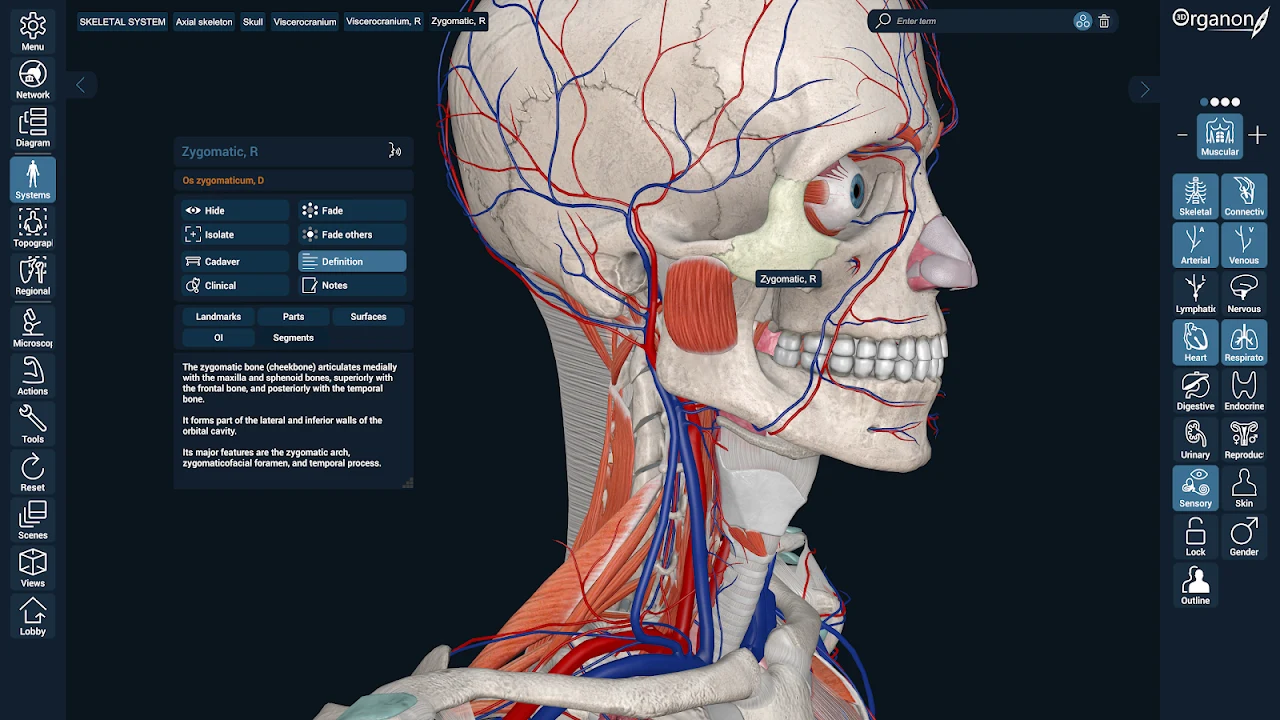
Labelled head and neck structures in 3D Organon
System and regional anatomy
Reveal structures, isolate a system and compare their spatial relationships in the 3D atlas.
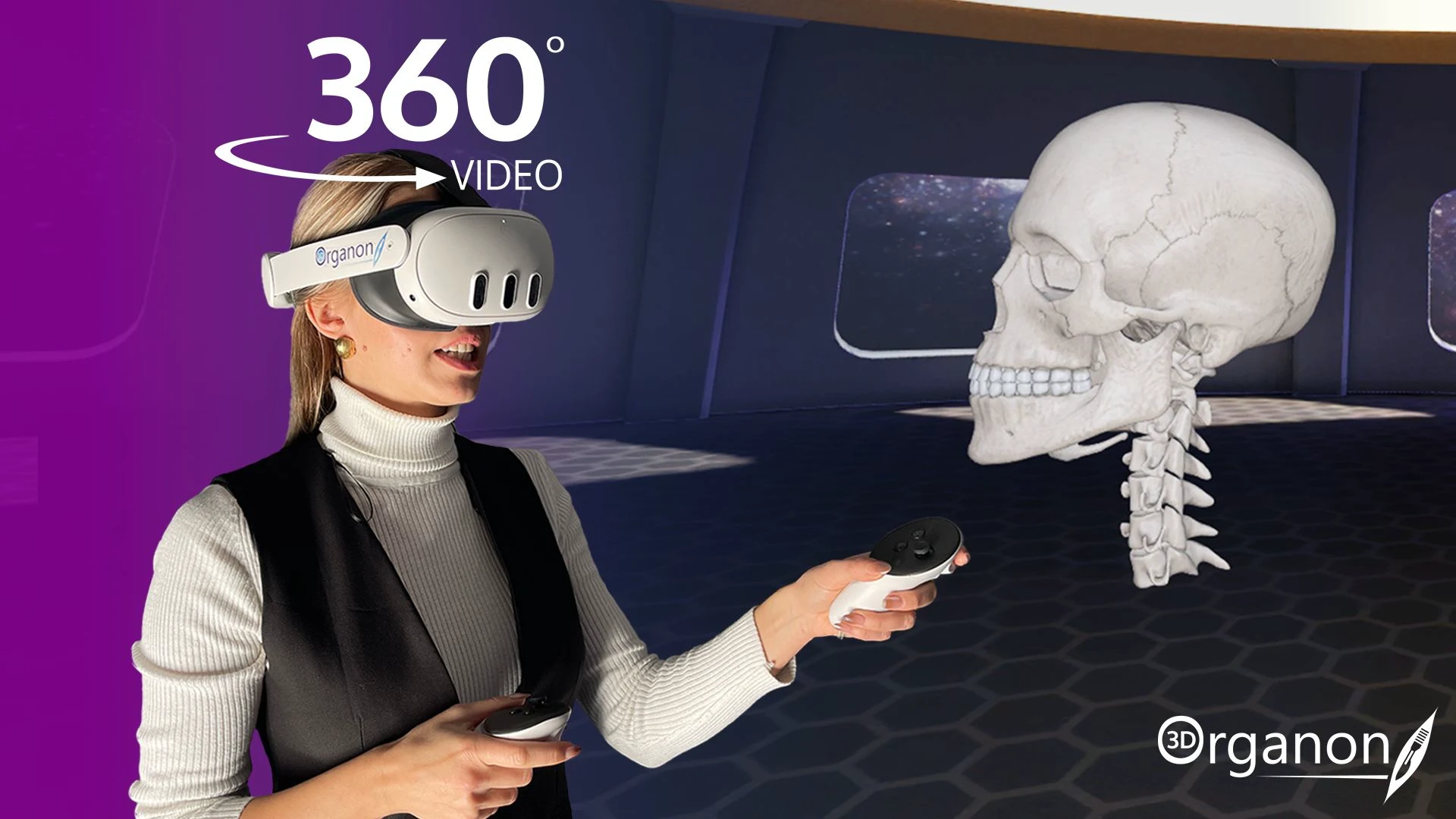
3D Organon XR headset and a virtual skull model
Immersive learning
Plan guided XR sessions where learners can examine structures and discuss their relationships.
Ultrasound simulation
Use an available ultrasound module to explore anatomy alongside the corresponding imaging view.
Assessment and revision
Build identification and review activities around the visual content available in your edition.
PRODUCT OWNERSHIP & SOURCE MATERIAL
3D Organon is developed by its respective product owner. Axes Medverse markets and helps institutions evaluate and integrate the platform; it does not claim authorship of the underlying 3D Organon software. Editions, modules and compatibility require confirmation.