Virtual anatomy & pathology
Explore three-dimensional organs, pathology and clinical content. Faculty can use these environments to guide exploration and discussion while checking that the available content matches the course.
 Let’s talk ↗
VARGATES Medical
Explore virtual anatomy, clinical simulation and collaborative learning through an immersive medical education platform.
Plan a demonstration ↗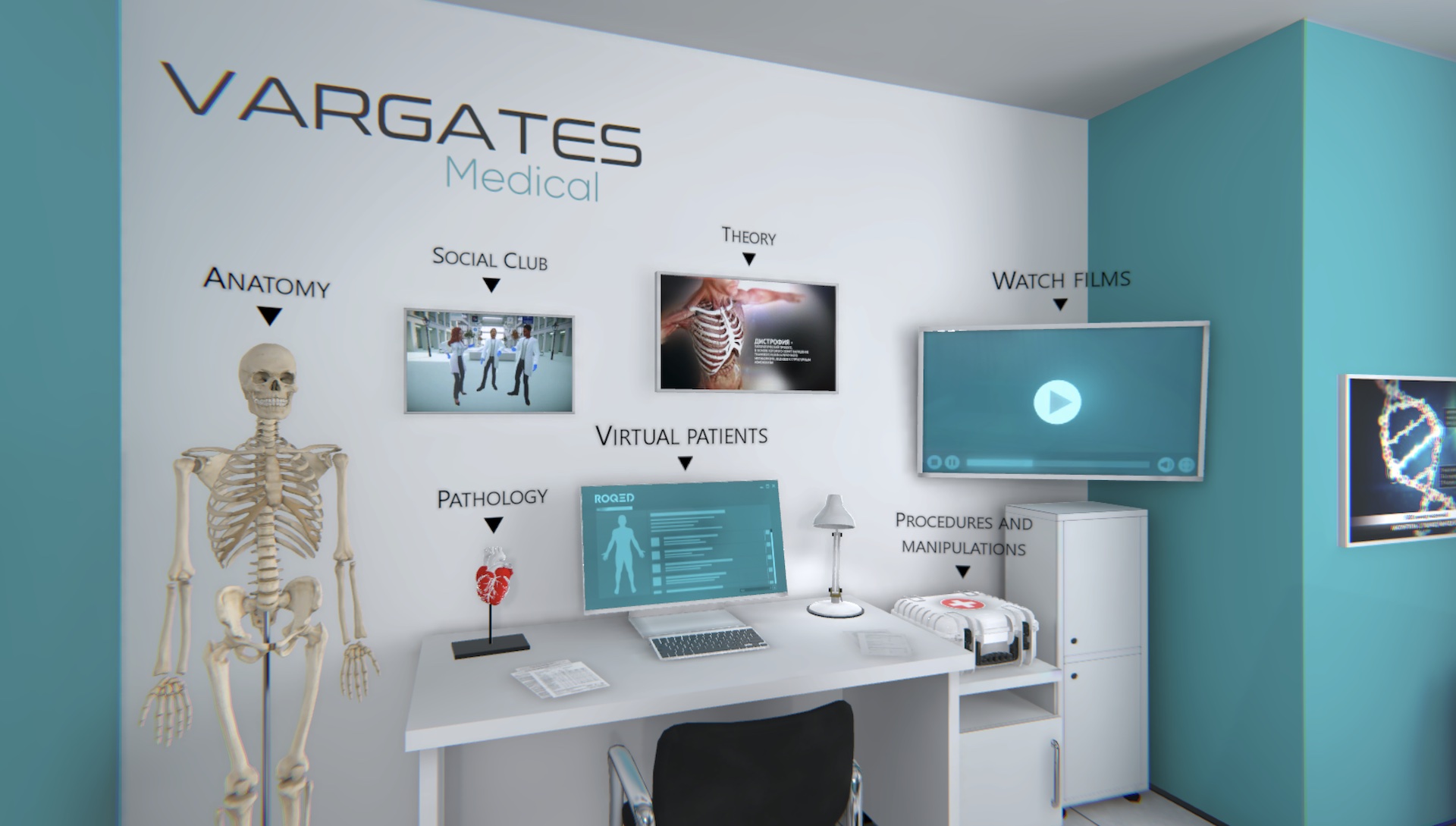 VARGATES Medical / LEARN THROUGH EXPLORATION
VARGATES Medical is presented by VARDIX as a simulation ecosystem built on the VARGATES XR engine. The official platform combines anatomical models, virtual patient scenarios and multi-user experiences through VR or browser-based access. Institutions can evaluate it as part of a wider programme that connects preparation, active learning and review.
A good fit for: Medical faculties, teaching hospitals and simulation centres considering immersive anatomy, collaborative scenarios and digital training workflows.
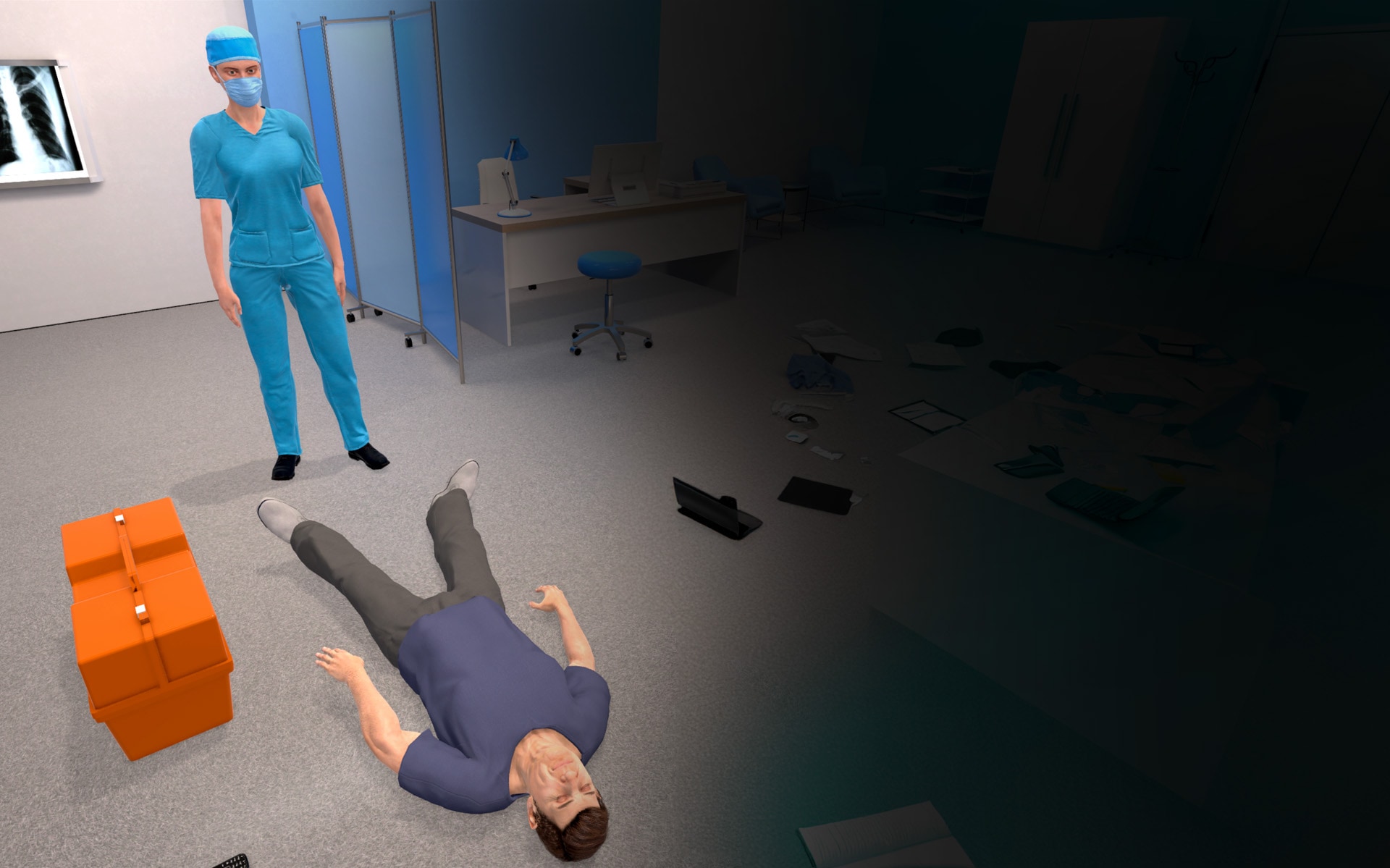
Use a virtual environment as the setting for a guided problem, not just a visual tour. Assign roles, define what learners should observe and reserve time to compare decisions afterwards. Multi-user sessions need the same clear facilitation and participation plan as a physical classroom.
Explore three-dimensional organs, pathology and clinical content. Faculty can use these environments to guide exploration and discussion while checking that the available content matches the course.
Virtual patient and procedural scenarios offer opportunities to rehearse reasoning and selected workflows. They should be evaluated against the actual learning outcomes rather than assumed to cover every skill of a physical clinical environment.
VARDIX describes immersive technology support across VR, AR and MR. Confirm the supported devices and delivery mode for the specific institutional package; support for a category does not guarantee every device is compatible.
The official description includes browser access. This may provide a screen-based route alongside immersive devices, but network, account and device requirements should be validated during an institutional demonstration.
Shared virtual environments are described for students and instructors. Evaluate group size, instructor controls, communication features and how a collaborative session will be facilitated in your teaching workflow.
Session, score and error tracking are listed in the platform overview. Ask to see the actual dashboards and exports, and decide how these records will be interpreted before using them for assessment.
VARDIX describes LMS integration so training information can connect with institutional systems. Confirm your LMS, integration method, required permissions and implementation responsibilities in the proposed scope.
Learning modules span anatomy, pathology, pharmacology and surgery. Request a curriculum mapping exercise and a demonstration of the exact modules, language, access model and data settings being considered.
Identify the learner group, subject and scenario. Ask the provider to demonstrate how the chosen module addresses that objective.
Validate devices, network, user access, instructor controls and any institutional integration before scheduling a course.
Use the platform’s available records alongside learner explanations and faculty feedback. Revisit scenarios based on the learning need.
Share your curriculum, learner numbers, room layout, intended teaching activities and existing equipment. We can then discuss the appropriate solution and the details that need to be confirmed.
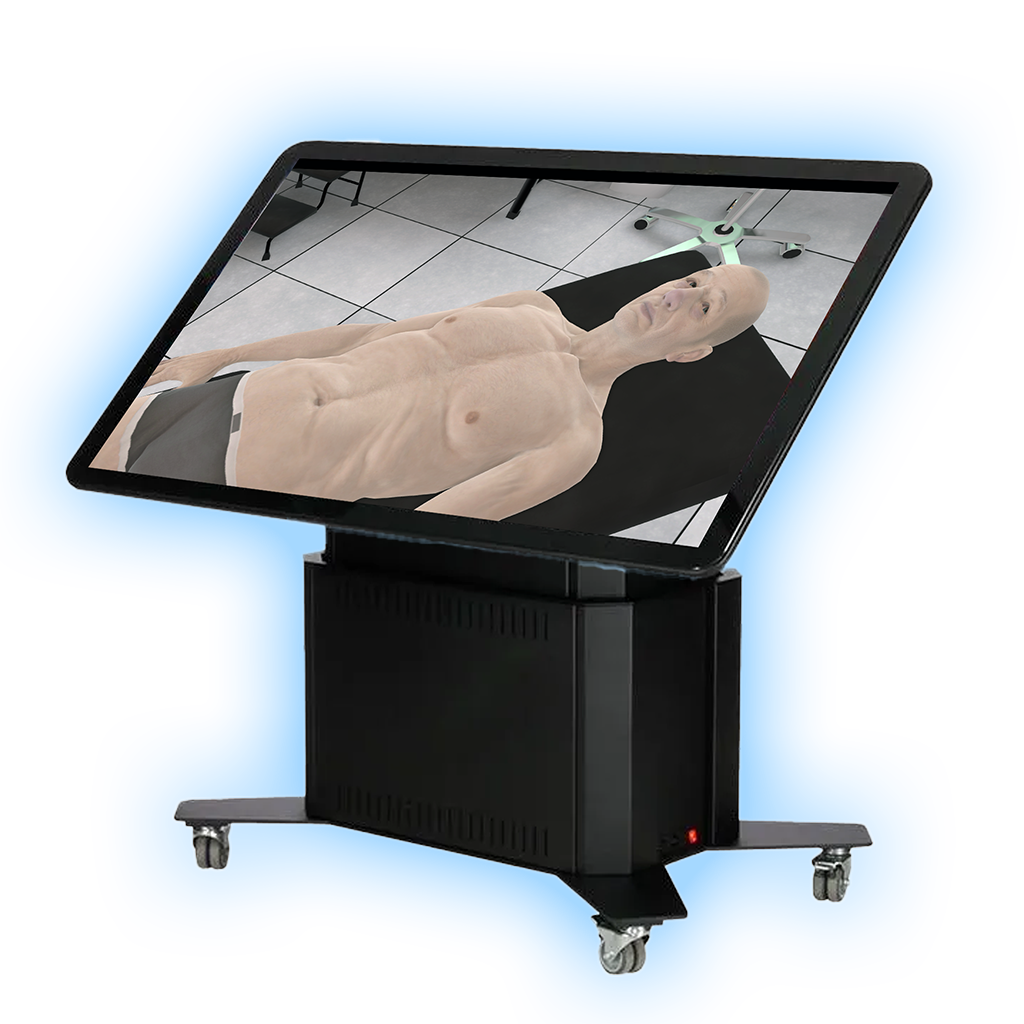
AI-driven patient simulations and shared virtual cases support guided clinical reasoning. These features can be explored for guided clinical reasoning activities, with faculty selecting an appropriate case and asking learners to explain the observations behind their choices. Confirm the scenarios and instructor tools supplied with your licence.
Explore 82 virtual patient cases across 22 specialties, with VR, desktop and browser experiences. Learners explore simulated examinations, diagnostic decisions, treatment choices and assessment modes. Review case coverage, hardware and instructor access against your curriculum.
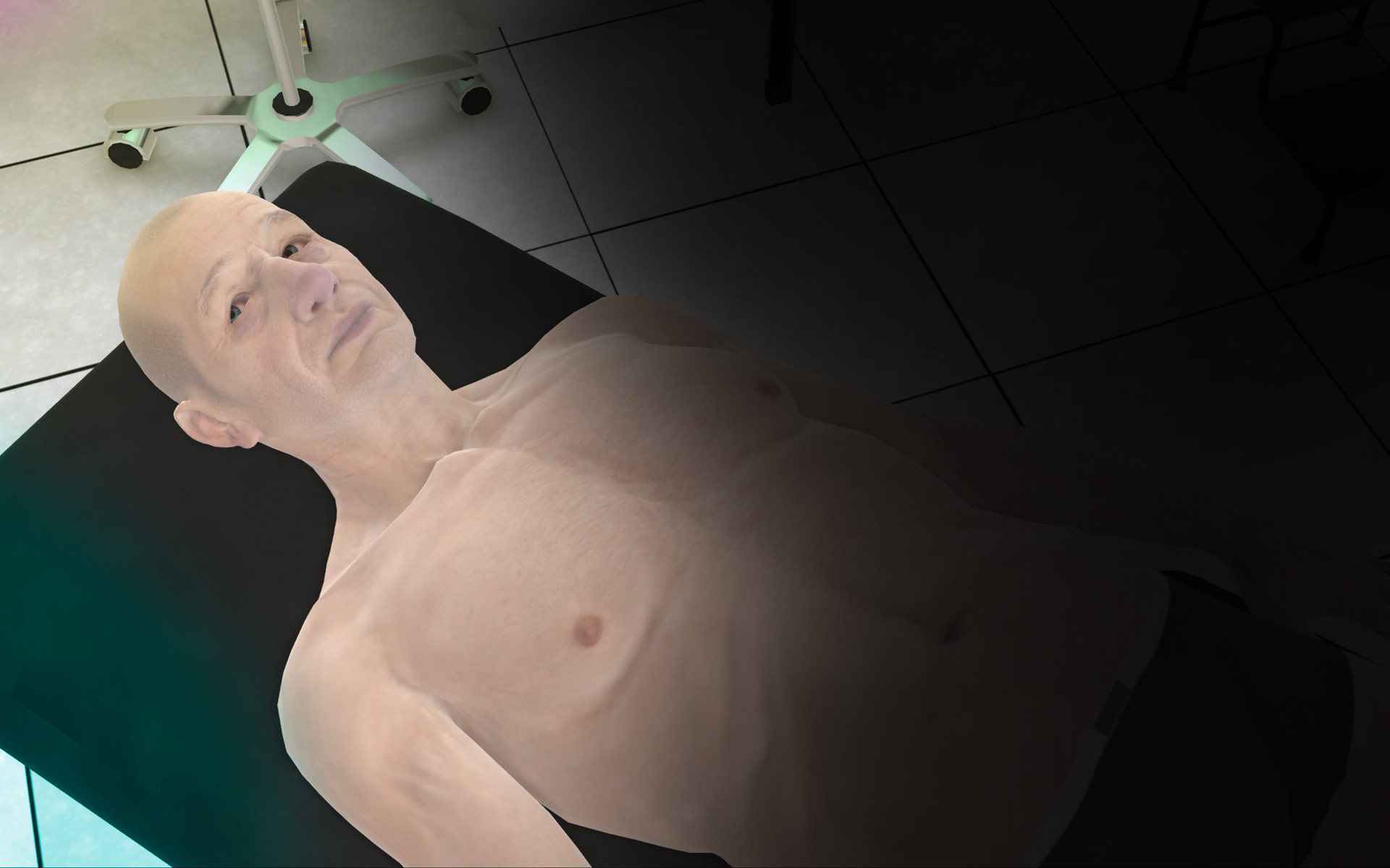
Work through a virtual patient case from history and examination to decisions and feedback.
Select cases and learning modes aligned with your curriculum and review how the platform presents each activity.
Plan supervised group sessions around the available platform and room equipment.
VARGATES Medical and its underlying platform are third-party technologies. Axes Medverse helps institutions explore supply and integration; it does not claim to have developed this software. Module availability, analytics, integrations and deployment arrangements require confirmation.